Skip to content
KOMPLEKS.AZ
Home

PAYMENT

Pay your balance by number

Enter your contract or invoice number to open the balance for your apartment, parking space or rental unit. No need to sign in.

Shown on your contract, on the invoice and in the resident portal. “KA-” and “INV-” are optional — you can type just the digits.

Need help?

If you don’t know your contract number or a payment isn’t showing in your balance, get in touch.

PAYMENT METHODS

Residents pay wherever suits them

Card, banking app or kiosk — whichever way they pay, the amount lands on the same contract, the invoice closes and the balance updates instantly.

Online card payment

Save the card once — the next payments go through on their own

With any bank card, from the resident portal and the website. The card can be saved during payment; after that it pays in one tap or fully automatically.

  • In the portal and on the website

    In the portal residents pick the invoice; on the website they pay by contract or invoice number.

  • Save the card

    The card is tokenised at YIĞIM — no need to re-enter card details next time.

  • Autopay

    Each new invoice is paid from the saved card on its due date.

Mobile banking apps

Residents pay from the banking app they use every day.

  • Birbank
  • ABB mobile
  • Rabitəbank
  • Yelo Bank
  • PAŞA Bank
  • XalqBank
  • Premium Bank
  • akart
  • Portmanat
  • ExpressPay
  • E-pul

Paid by contract number

Payment kiosks

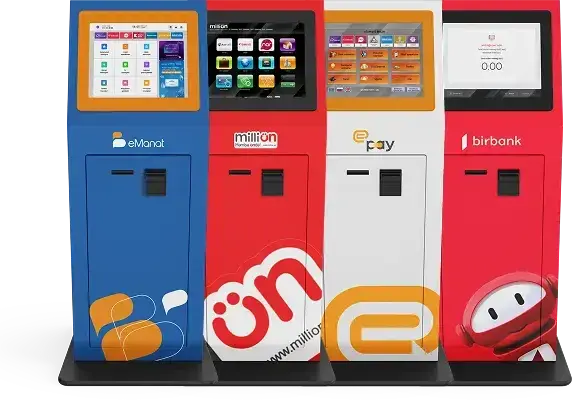
Residents without a card pay cash at kiosks across the country.

eManat · MilliÖn · ExpressPay · Birbank

Paid by contract number

PCI DSS

Our payment acceptance partner

YIĞIM Payment Services

Card payments and card storage are handled under PCI DSS rules. Card numbers never reach Kompleks.az servers.